
From model to fabrication.
Sketchframer connects digital modeling with real production workflows, whether you fabricate with CNC machinery or work with organized cutlists.
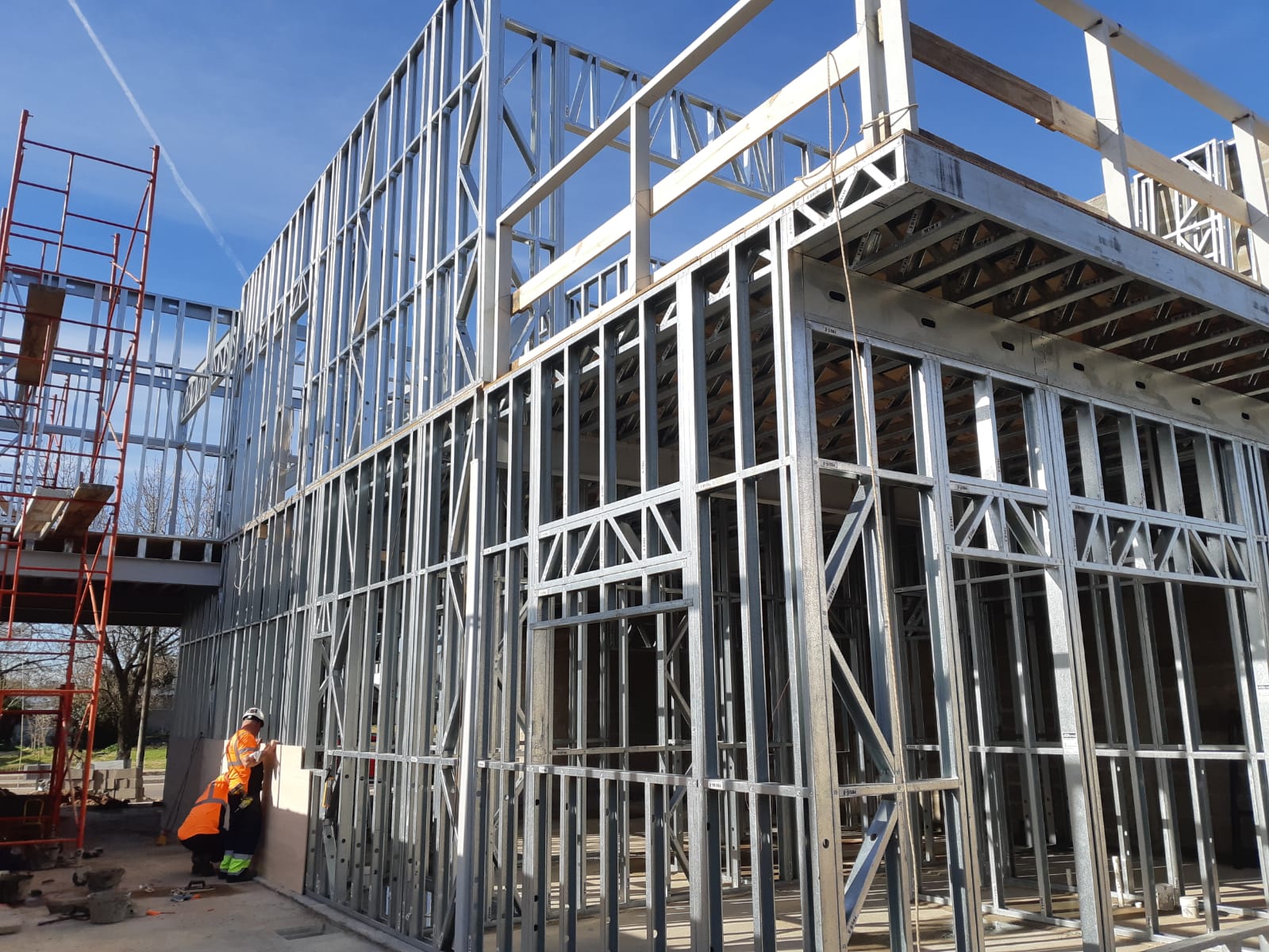
Choose the workflow that fits your production setup.
Sketchframer supports both automated production environments and manual fabrication setups, keeping the model aligned with the way your factory actually works.
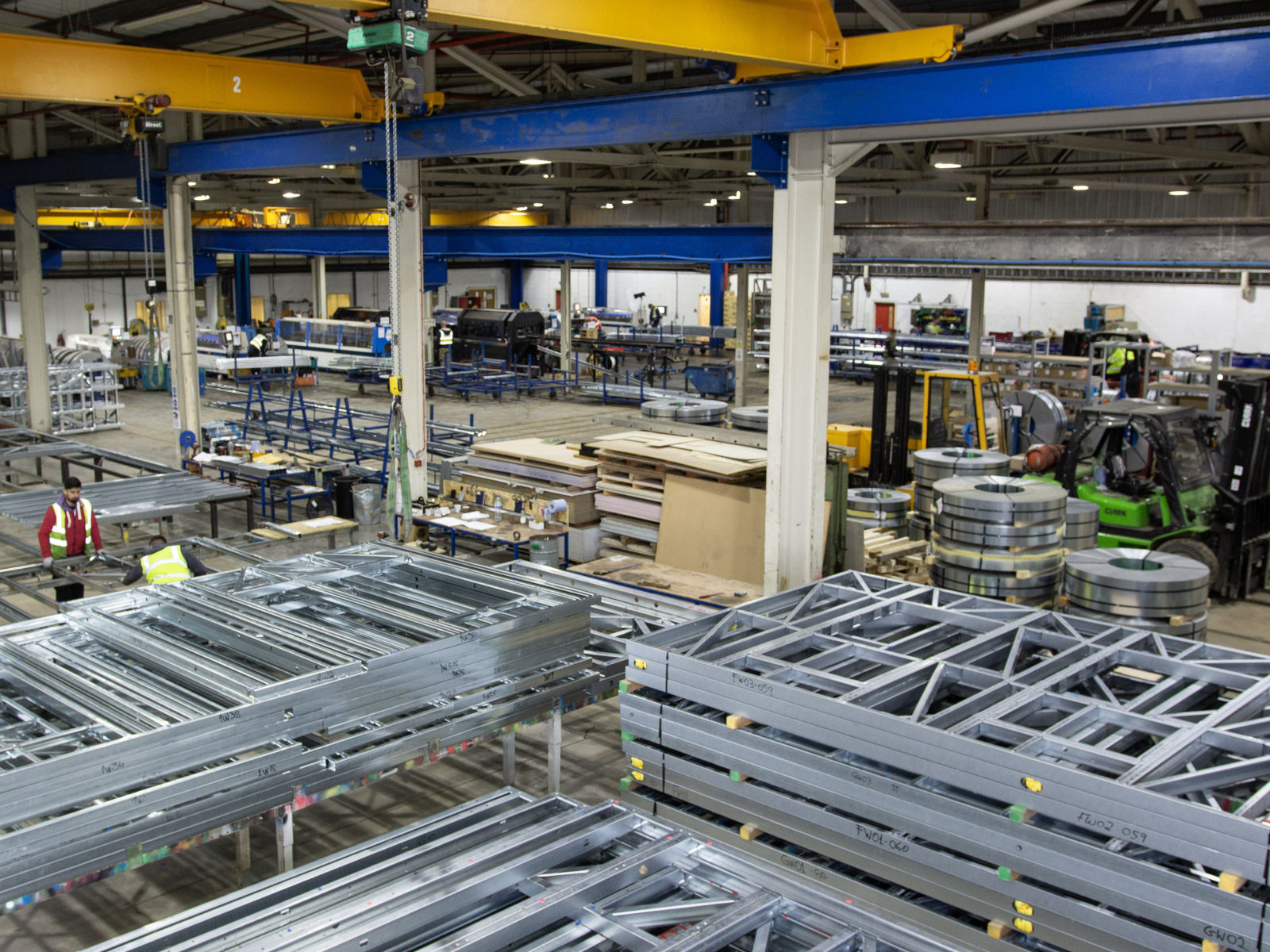
Fabrication with CNC machines
Directly process cut, punch and fabrication operations from the digital model. Built for factories that run higher volumes with automated machinery.
%204.08.03%E2%80%AFp.%C2%A0m..png)
Fabrication with cutlists
Fabricate projects without CNC equipment using organized material lists, panel logic and simpler production methods for smaller or on-site operations.
What is an NC file?
The instruction file used by CNC machines to cut, punch and process steel profiles directly from your digital model.
Machine compatibility
Sketchframer generates outputs for different fabrication systems, helping you work with your current machine ecosystem.
Cutlists from the model
General, optimized, panel-based and profile-based cutlists keep fabrication accessible even without automated machinery.
Design with freedom. Fabricate with the workflow you already have.
From CNC-driven production lines to manual fabrication with cutlists, Sketchframer keeps modeling and manufacturing aligned.