Design with Sketchframer

Modeling tool built for Steel Framing

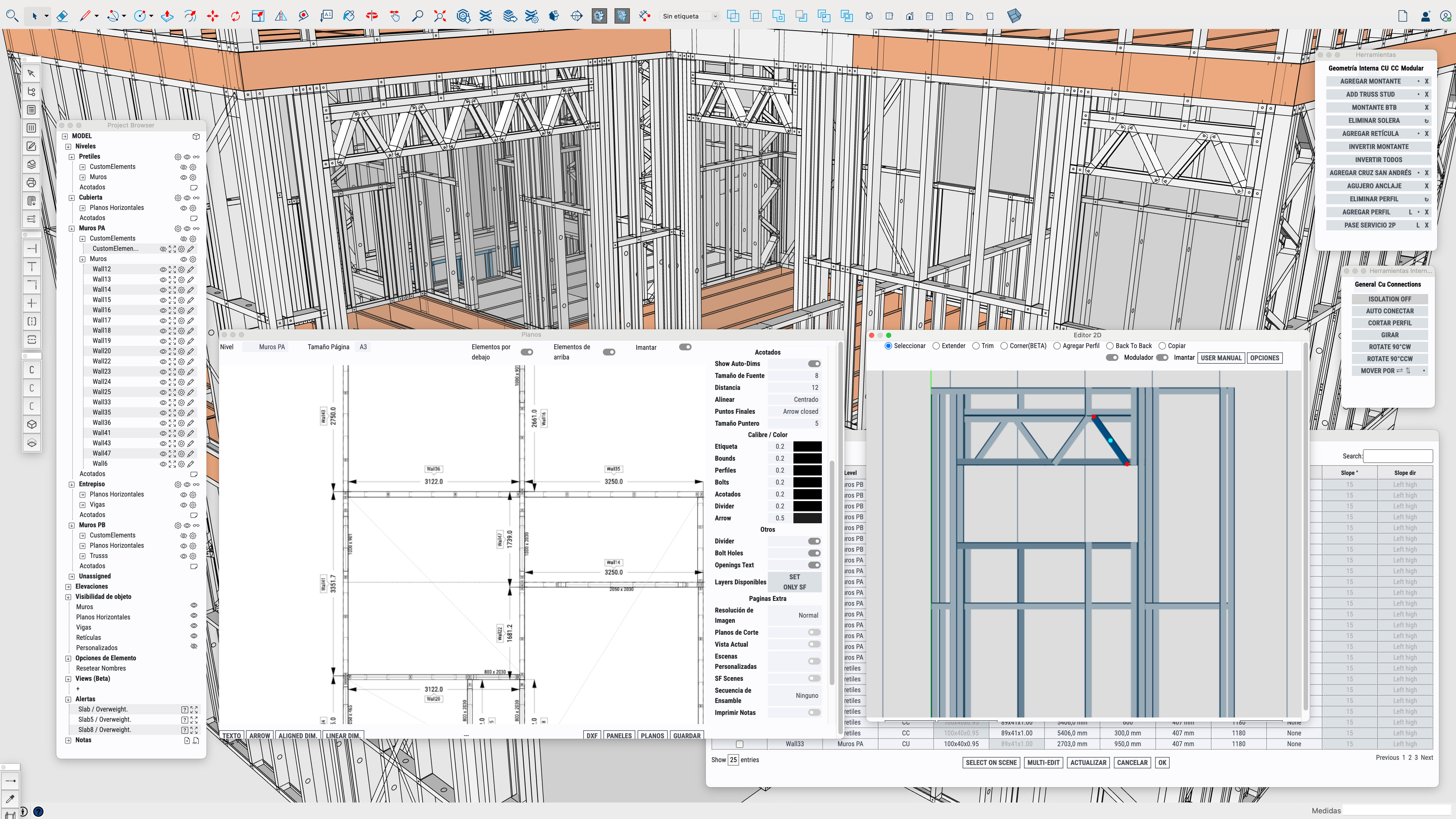
Sketchframer works as a plugin inside SketchUp, giving you a familiar modeling environment with tools developed specifically for this construction system.

English · Spanish · Portuguese
Compatible with Mac and Windows
SketchUp 2017+
Current plugin version
1.6.70

Download the current version and start modeling inside SketchUp with the latest Sketchframer tools.

Platform
SketchUp plugin
Status
Ready to install
Why Sketchframer

Simple to use. Powerful enough for real steel framing work.

Sketchframer is intuitive, capable and built by specialists in the system. It gives you all the documents and production outputs needed to work seriously in steel framing, without adding unnecessary complexity.

Built for real steel framing work

Powerful software should still feel clear, fast and natural to use.

Sketchframer was created specifically for the system, so the workflow feels direct: model, document, quantify and prepare for fabrication inside the same logic.
Simple
Powerful
Intuitive
Built by specialists
Approach
Built by specialists
Outcome
Model to fabrication
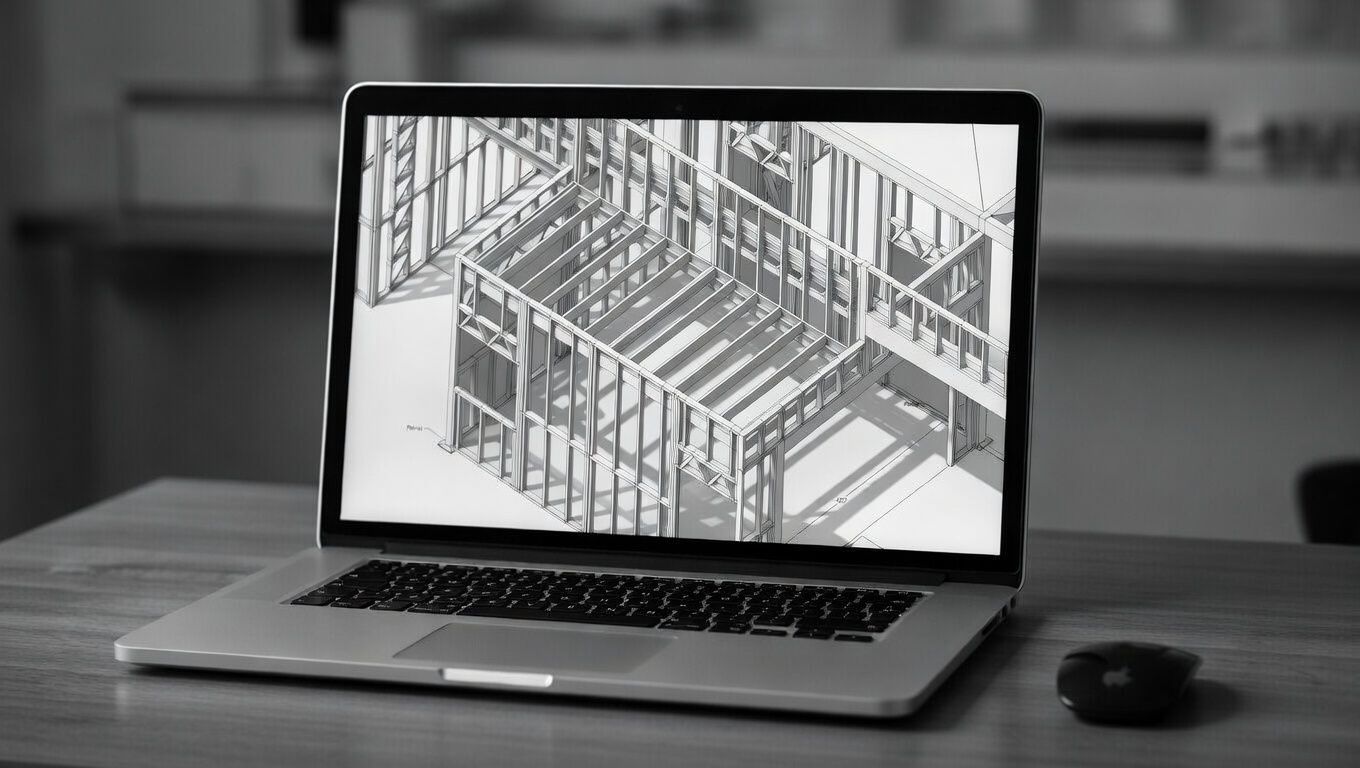
3D modeling mockup
01 — 3D Modeling

Model in 3D with different profile standards

Create complete steel framing designs using the profile systems and structural logic required for real projects.

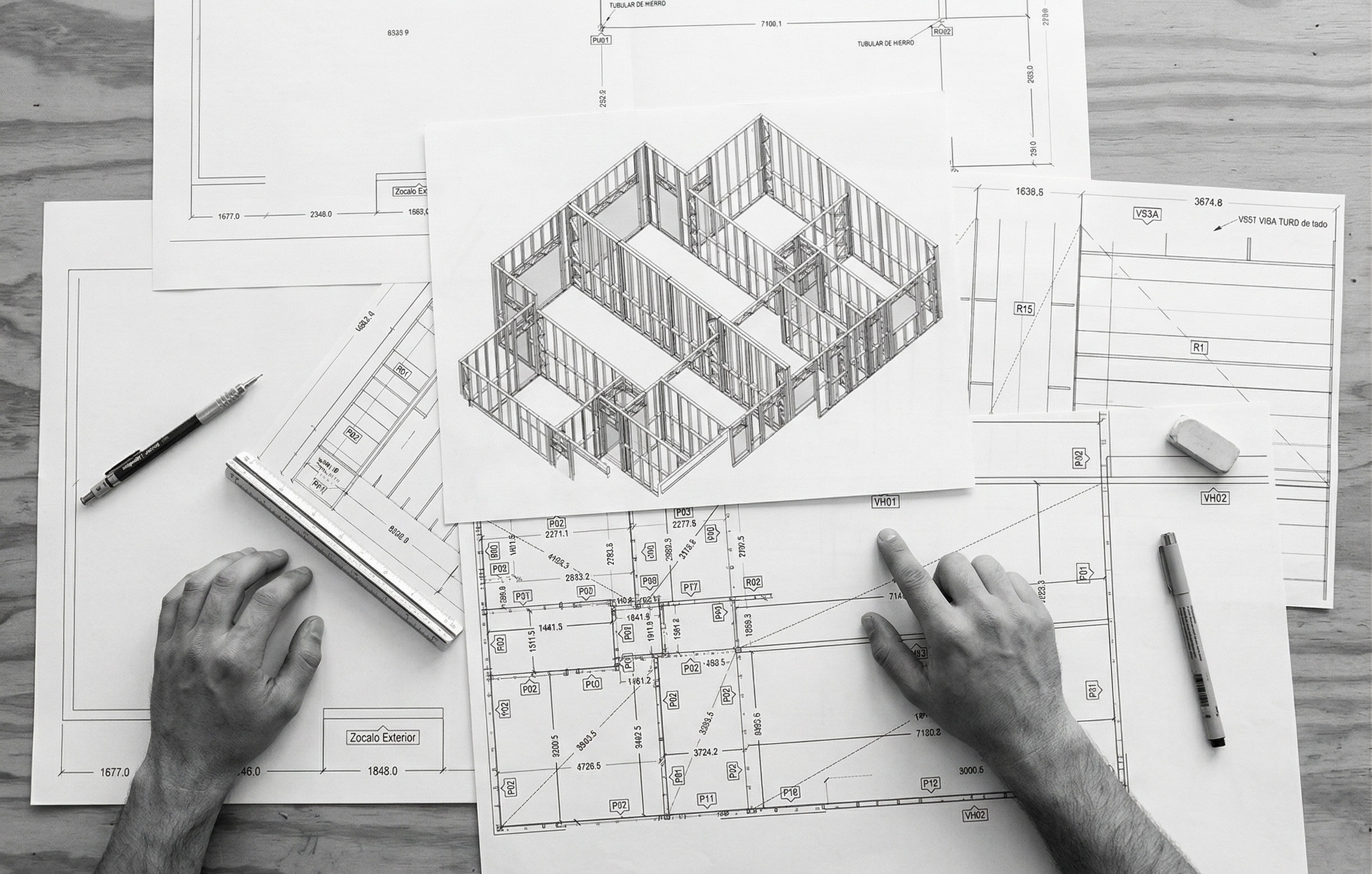
Construction drawings mockup
02 — Drawings

Create the drawings needed for execution

Generate project drawings directly from the model so the work on site stays aligned with the design.

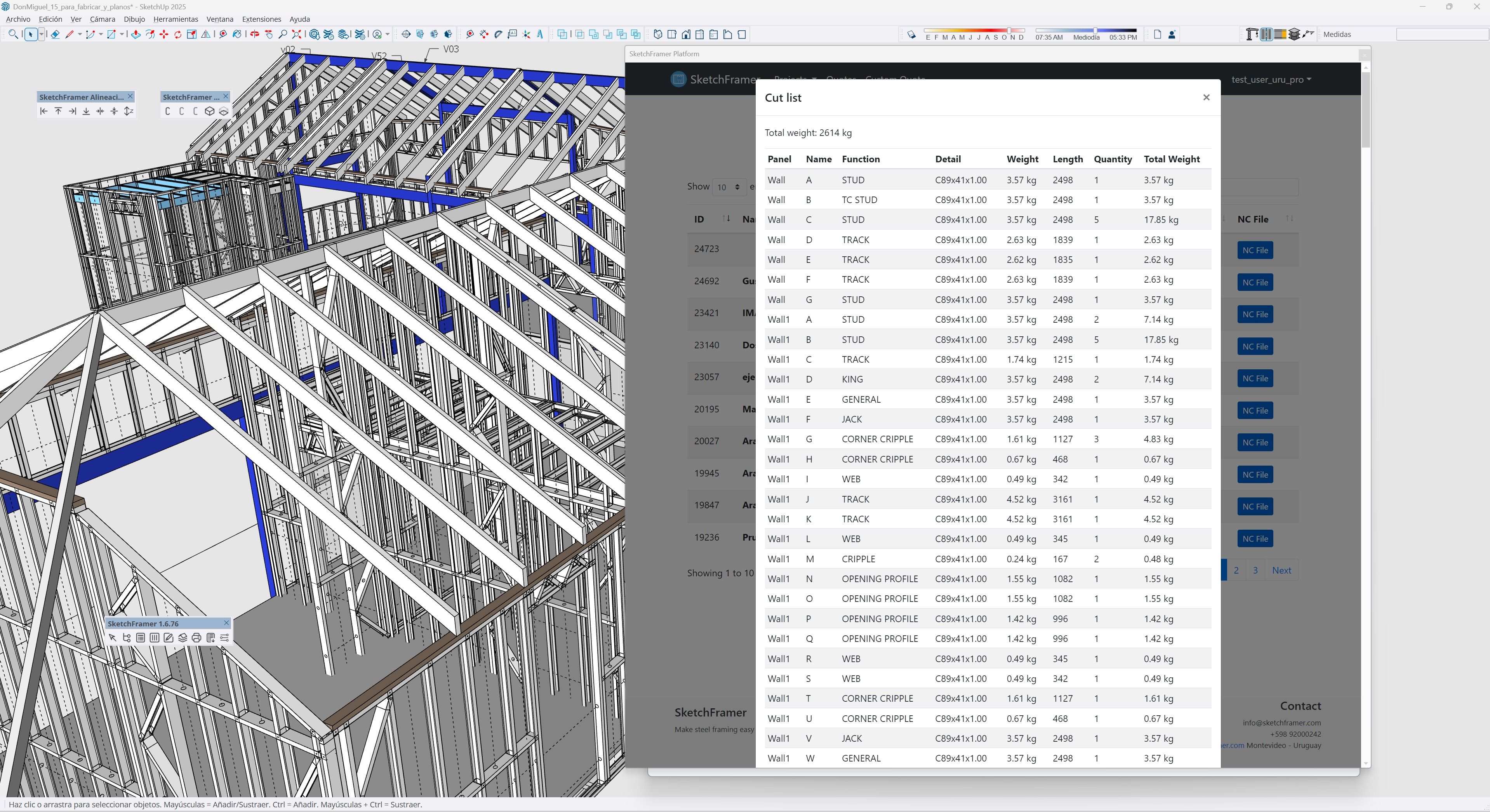
Cut list mockup
03 — Cut Lists

Extract cut lists directly from the model

Keep fabrication organized with direct outputs for profiles, parts and production sequences.

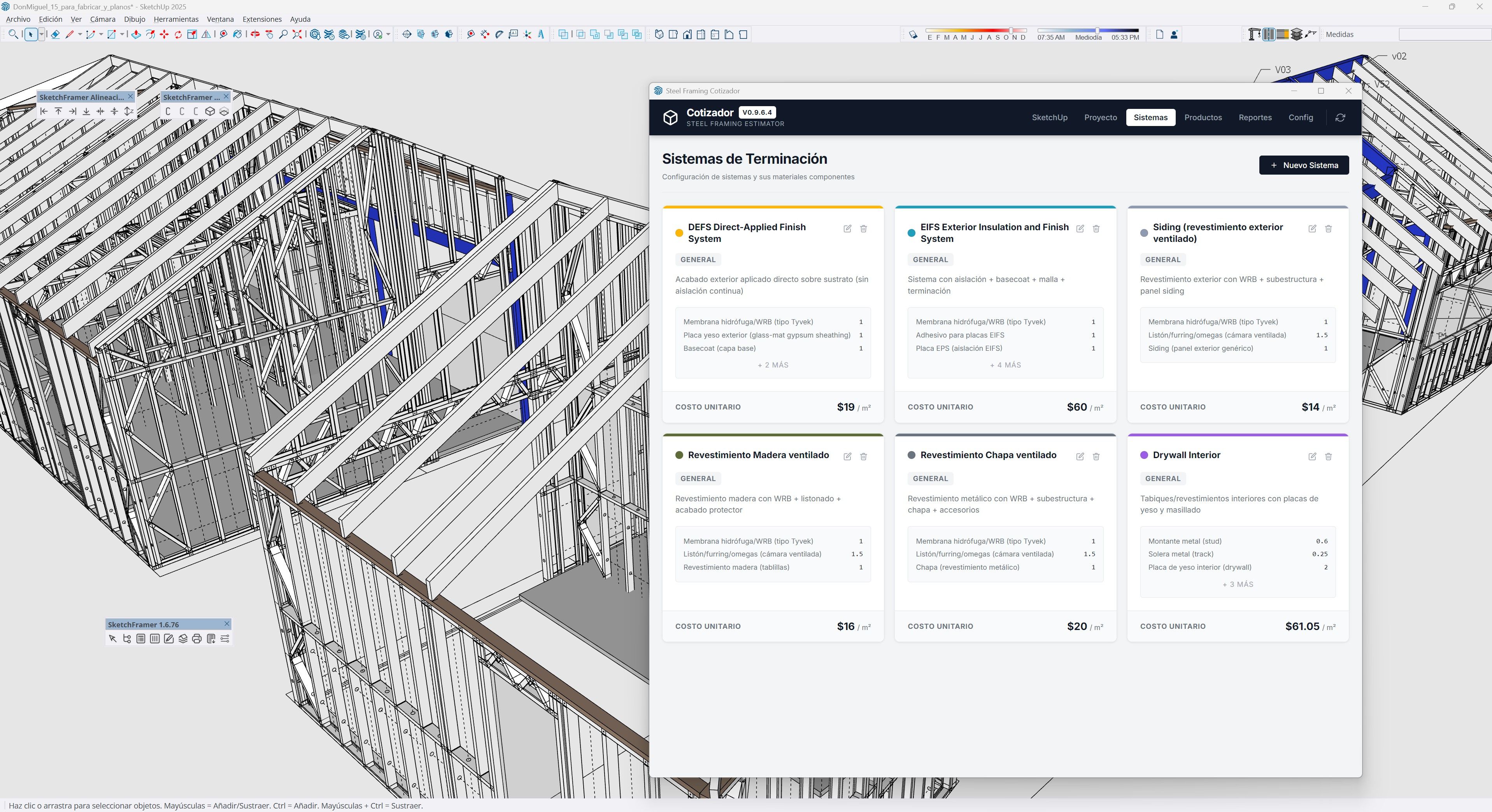
Material list mockup
04 — Material Lists

Generate complete material takeoffs

Quantify the project with the material information needed for estimating, planning and execution.

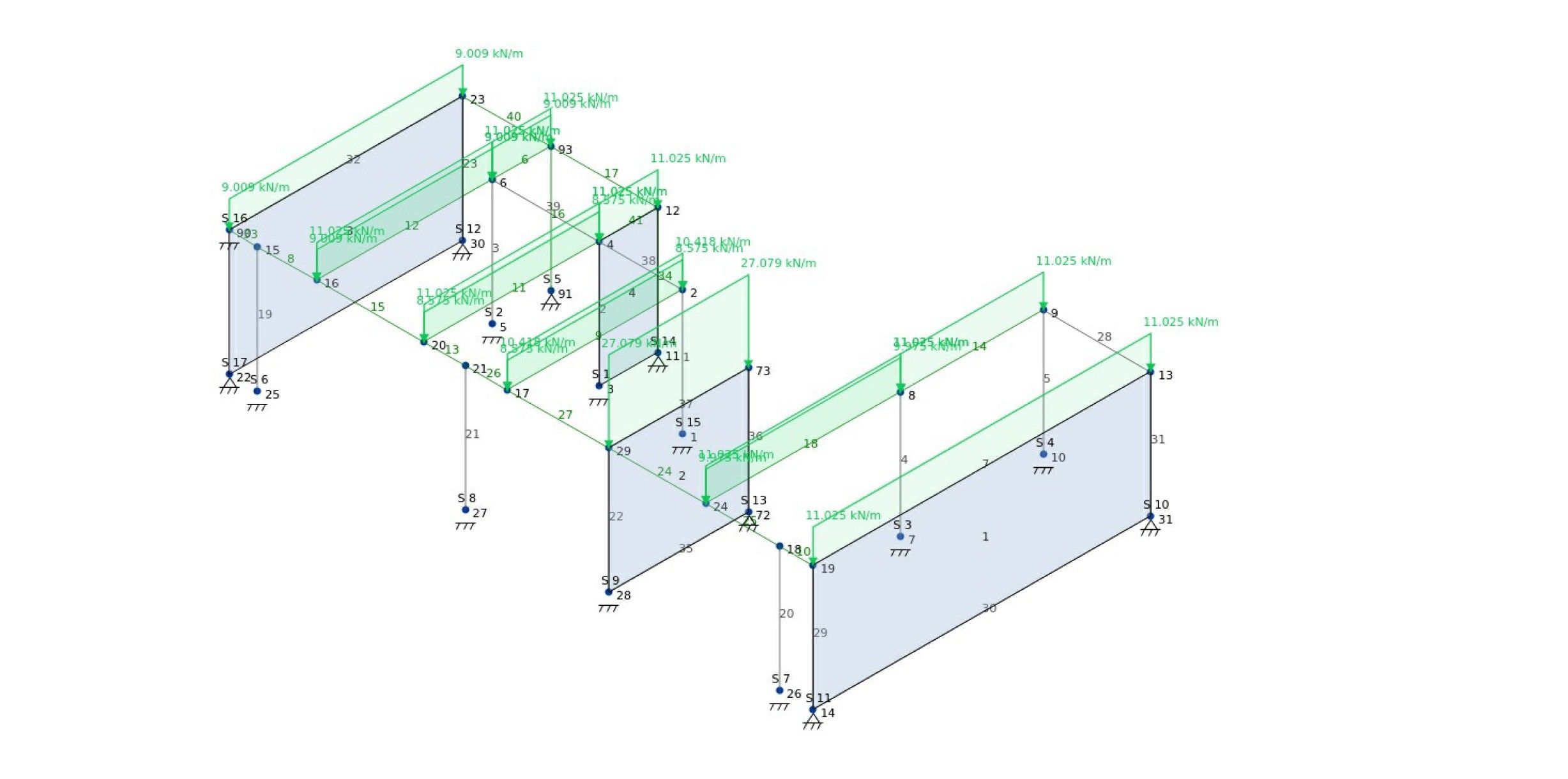
Structural analysis mockup
05 — Structural Logic

Produce single-line models for structural calculation

Prepare the model for engineering workflows and structural verification with outputs suited to calculation needs.

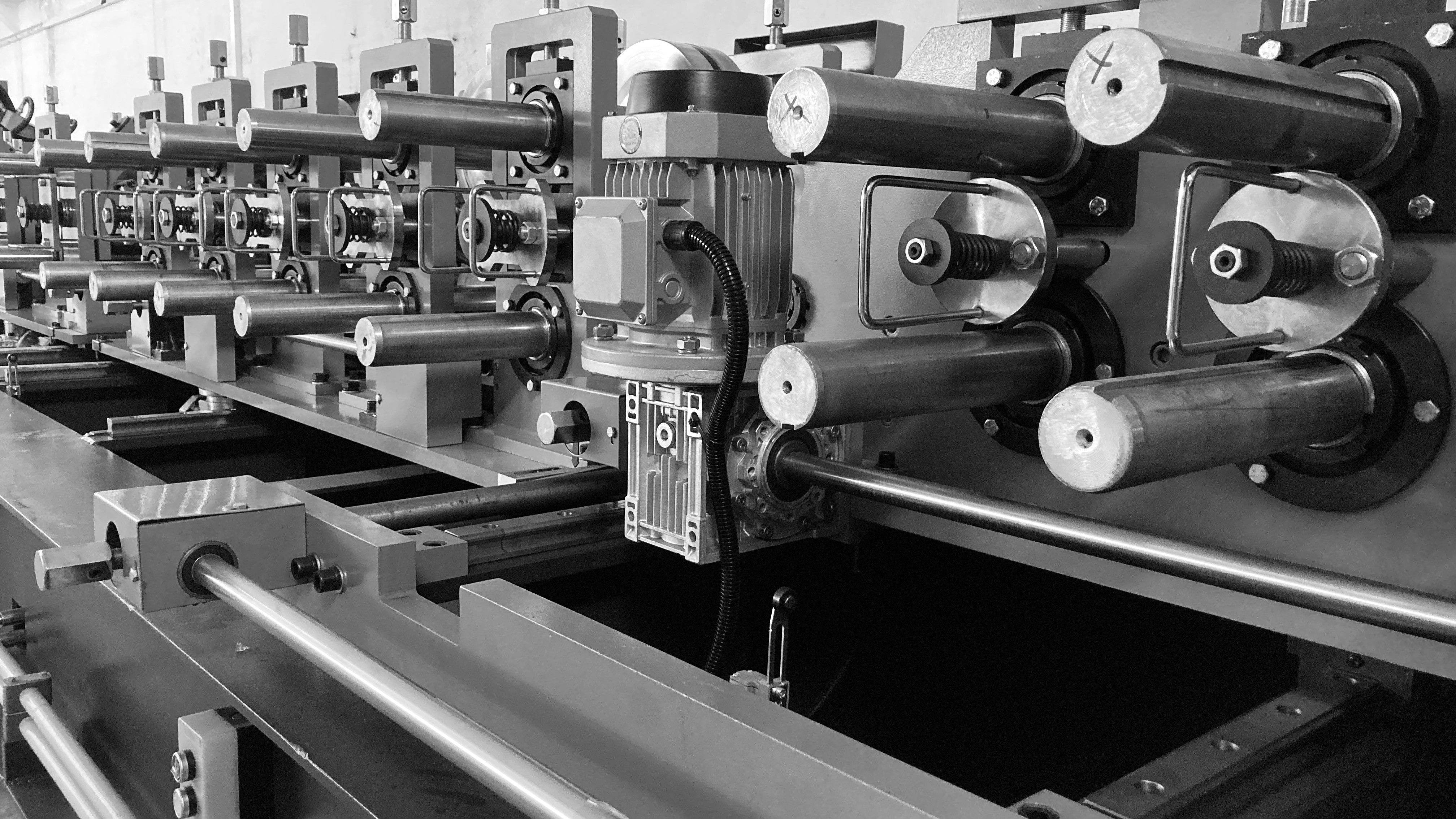
Fabrication machine file mockup
06 — Smart Machines

Export fabrication files for intelligent machines

Move from digital model to automated production with the files required by advanced fabrication systems.

Complete workflow

Any design can be modeled, documented and fabricated.

Sketchframer gives you the full set of outputs needed for steel framing work: model, drawings, lists, structural-ready representations and fabrication files — all inside one coherent workflow.

Core idea
Powerful enough for complex projects. Simple enough to stay fast.
Built for real steel framing professionals.
Installation

How to install Sketchframer

Installing the plugin is straightforward.

Installation guide

Follow the video and install the plugin in minutes.

This section is designed to give users a direct path from download to installation without extra friction.
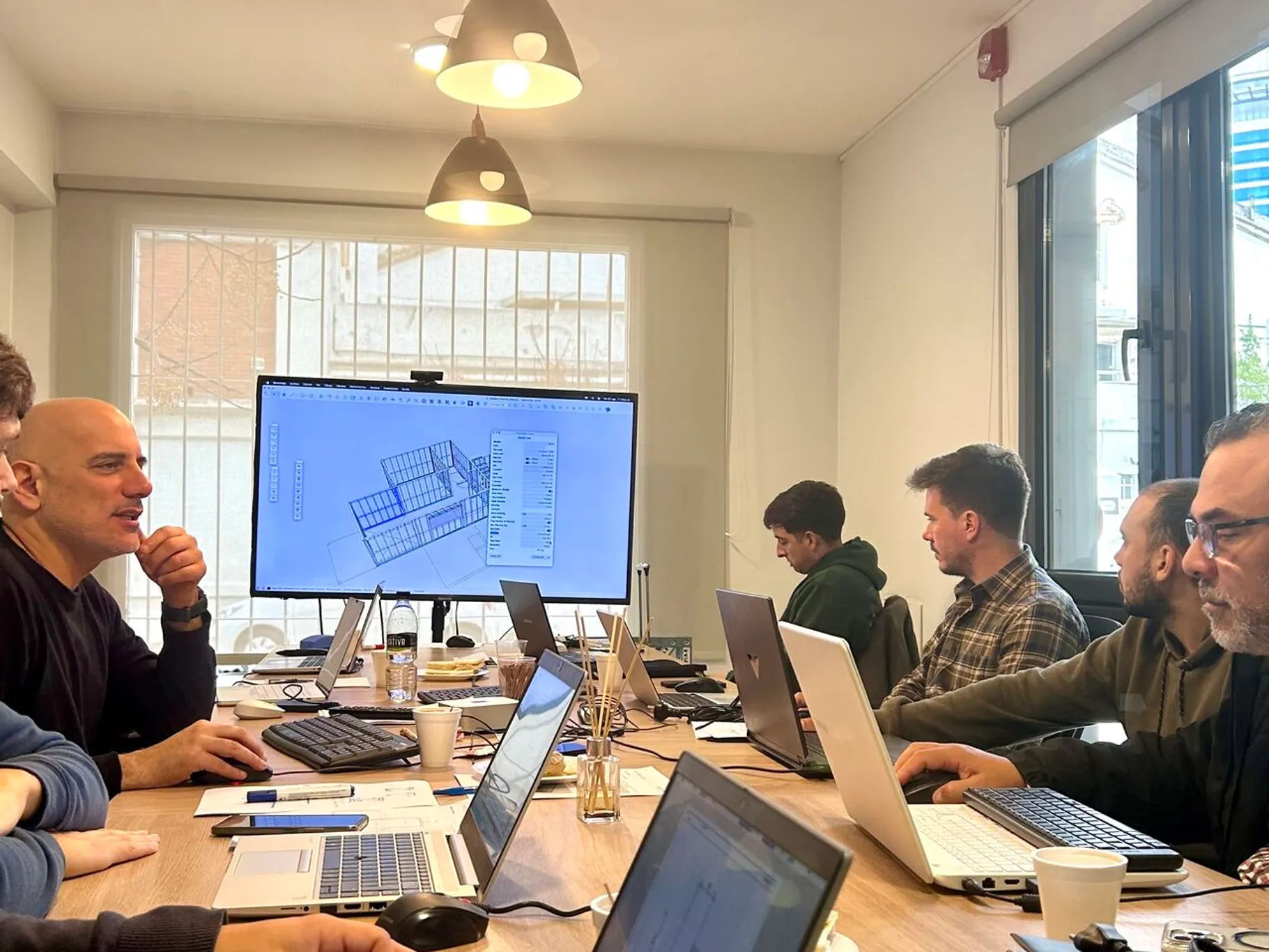
Clear onboarding improves adoption from the first interaction.
Learning resources mockup
Learning resources

Learn how to use Sketchframer

Sketchframer includes a growing set of tutorials and courses designed to help you start modeling and improve your workflow.

Whether you are new to steel framing or already working on real projects, our learning resources guide you step by step.